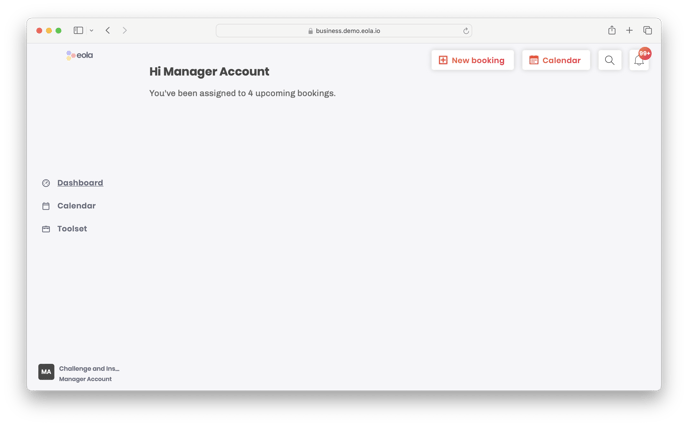
This guide will show you the available screens for a user with the permission set of 'Manager'. You can click the subheading to go to user guide for an in-depth guide and advice on how to get the best out of the system.
See viewing calendar for the first time.
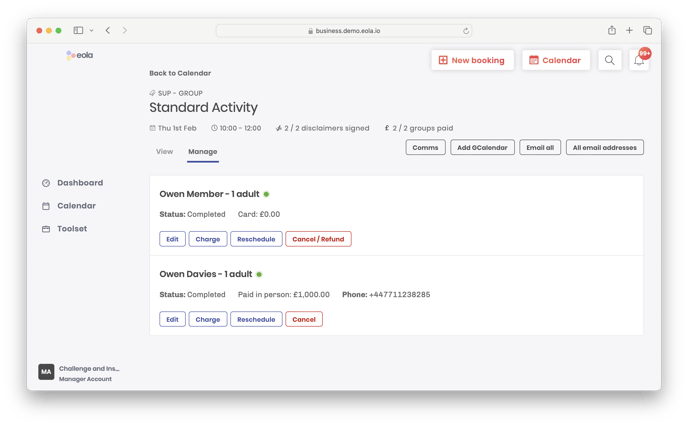
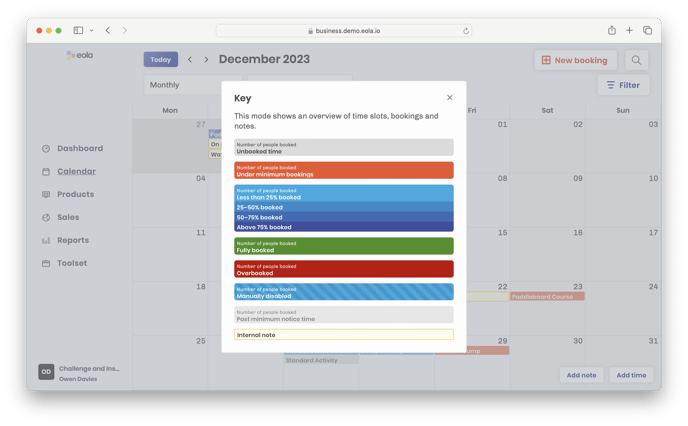
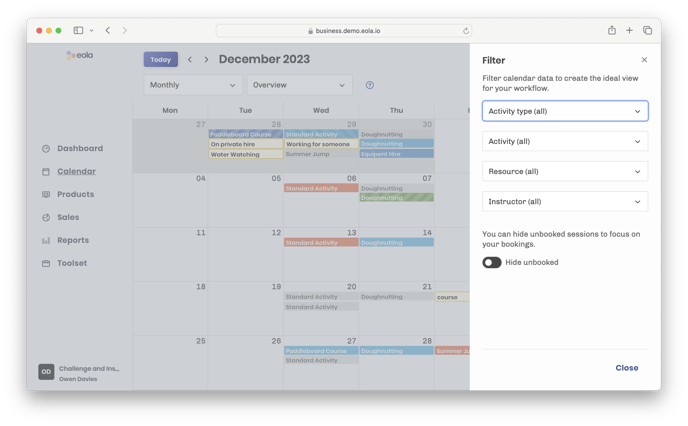
There are a number of different views, filters and a handy key that will allow you to see what you need when you need it.
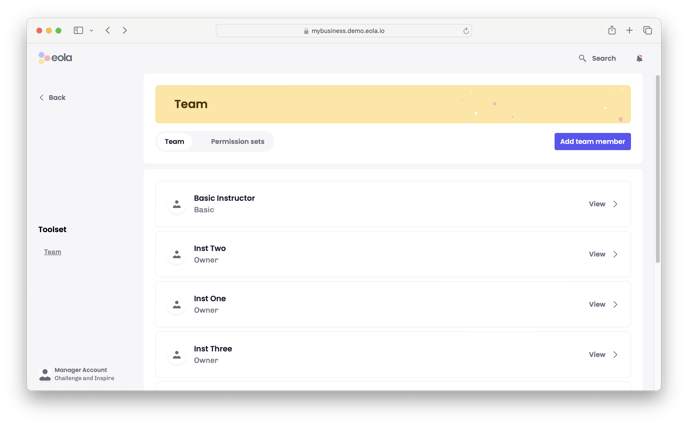
As a manager you have access to view the team including: adding new members, qualifications and activities. You are unable to edit a users permission.