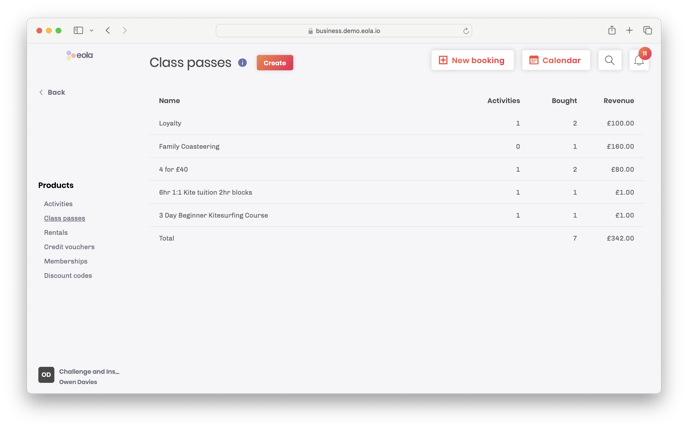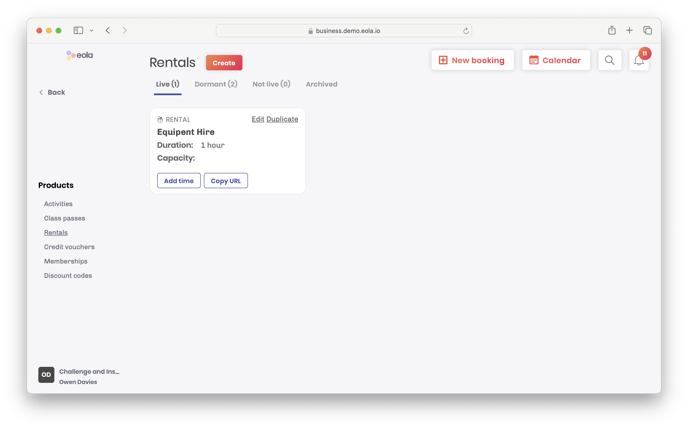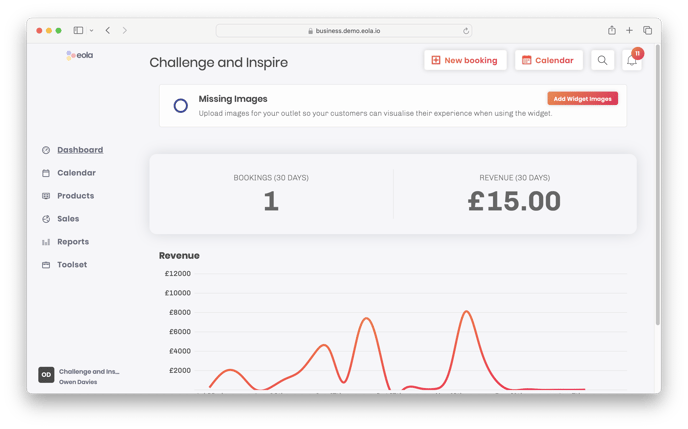
This guide will show you the available screens for a user with the permission set of 'Owner'. You can click the subheading to go to user guide for an in-depth guide and advice on how to get the best out of the system.
The owner permission set is the only user to see this information.
The owner dashboard gives you quick access to information suited to your needs as an owner, including; action's required, booking and revenue data.
See viewing calendar for the first time.
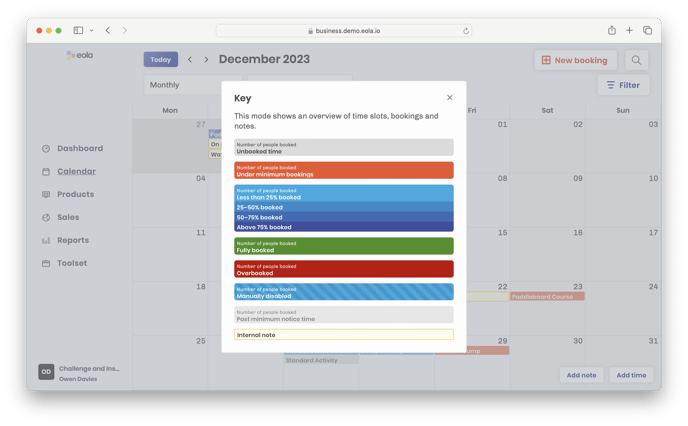
There are a number of different views, filters and a handy key that will allow you to see what you need when you need it.
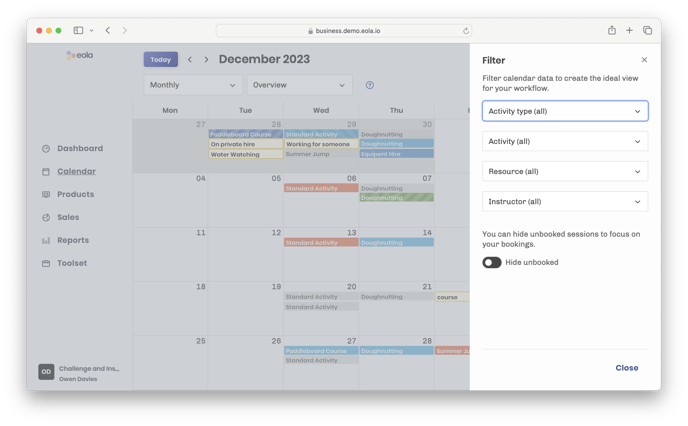
The owner permission set is the only user to see this information.
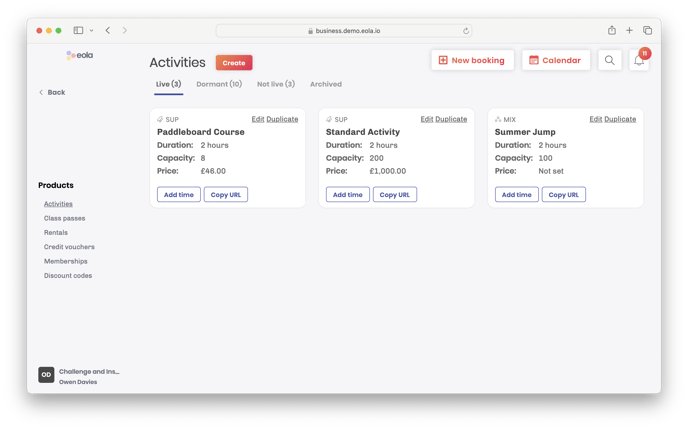
Products can be viewed as the area of the site that you will build out the system with the items that you will sell. Depending on the apps currently enabled you may see different menu options to those displayed on the screenshots. Your sales executive will have already enabled the required apps for your setup, to see what other app's are available on your system navigate to: Toolset -> Apps. Click through the different app's and click 'Add to eola' to enable.
Class passes